Small streamers get found
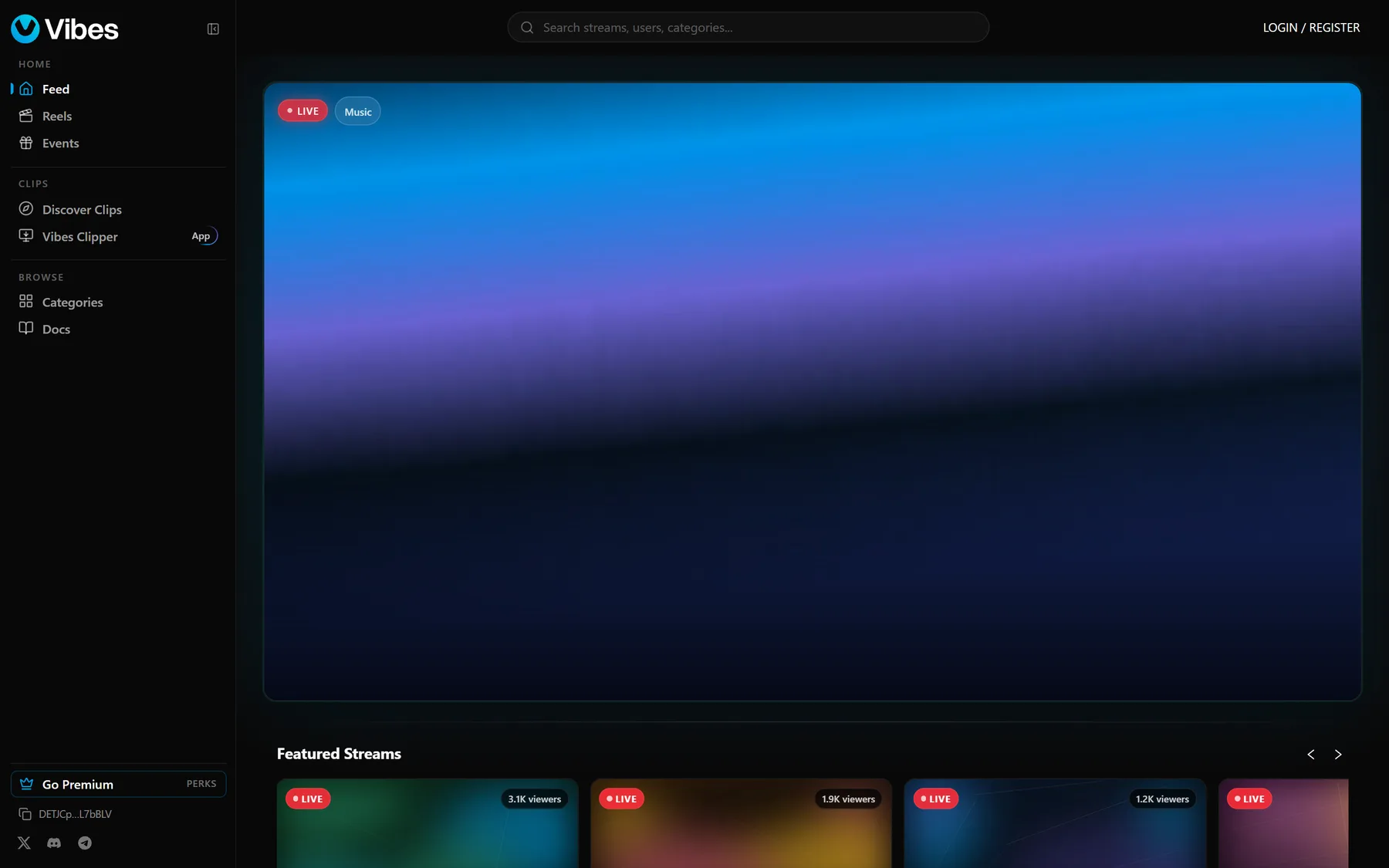
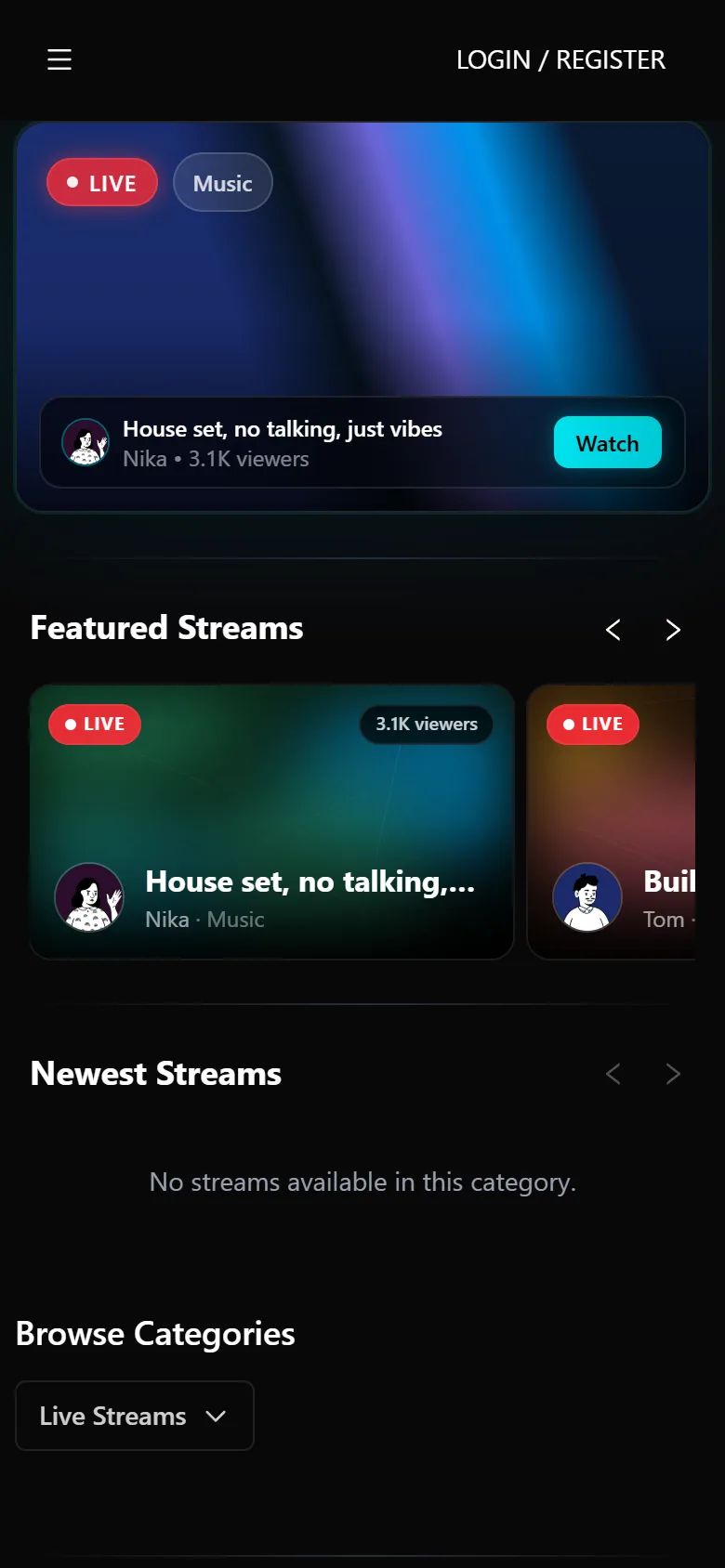
Discovery is not sorted by who is already big. New channels surface in categories, clips and reels from day one, so growth does not depend on traffic you bring from somewhere else.
VIBES is the ad-free live streaming platform built for small and growing creators. Go live from OBS in minutes, multistream to the platforms you already use, and get discovered from your first stream.
Why creators add VIBES
Every big platform has the same four complaints. VIBES was designed around them, not on top of them.
Discovery is not sorted by who is already big. New channels surface in categories, clips and reels from day one, so growth does not depend on traffic you bring from somewhere else.
Tips go from your viewers straight to you, with the fee shown before anyone pays. No opaque revenue cut and no 50/50 default.
Nobody sits through a 30-second ad before they can see your face. Viewers land straight in the stream, which is exactly when they decide whether to stay.
Go live on VIBES and mirror to Twitch, Kick, YouTube, X and TikTok at the same time. One encoder, one chat to watch, no extra GPU load and no third-party subscription.
The product
Not a video player with a chat bolted on. The stream page, clips, reels, posts and messages share one identity and one audience.
Watch
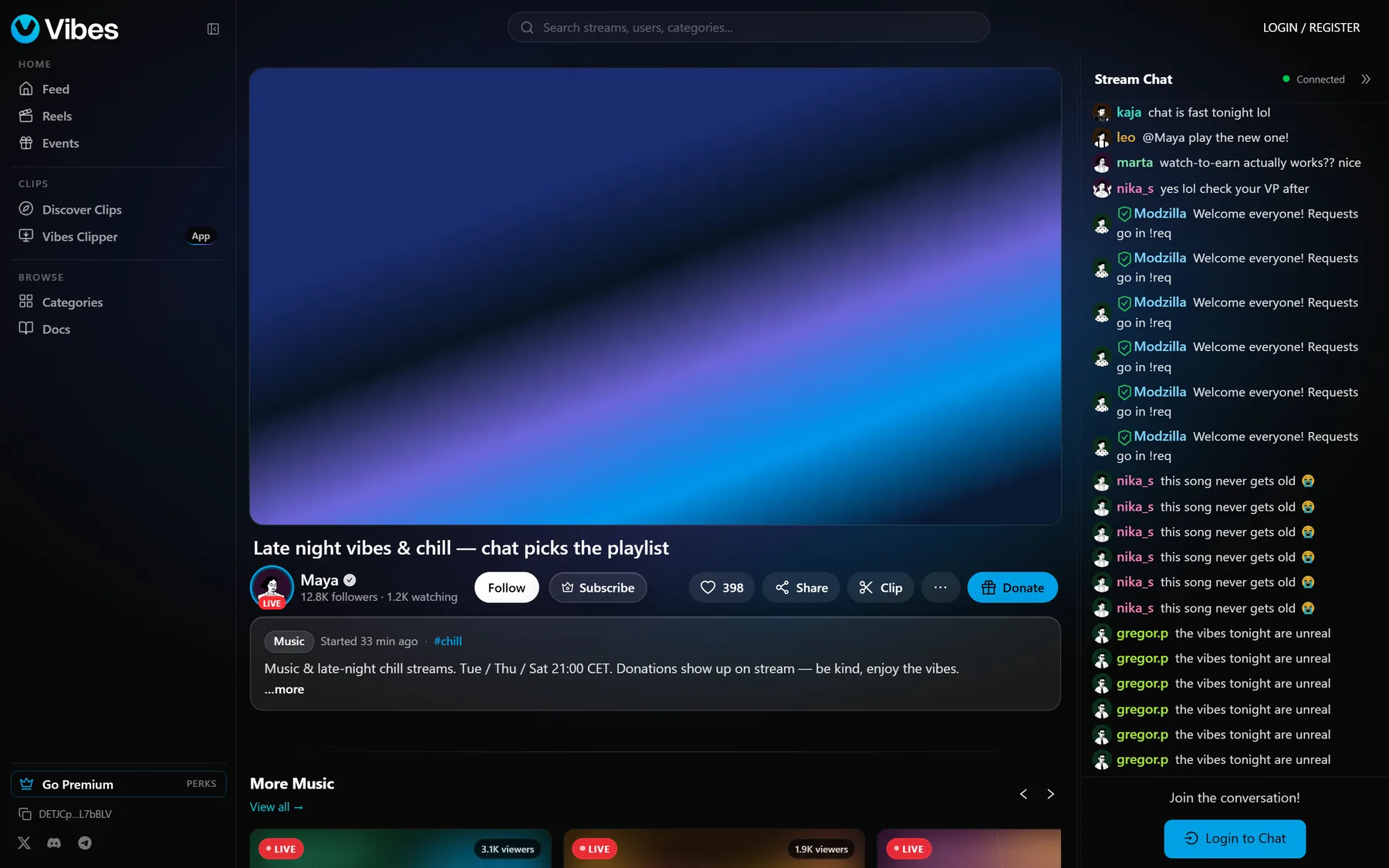
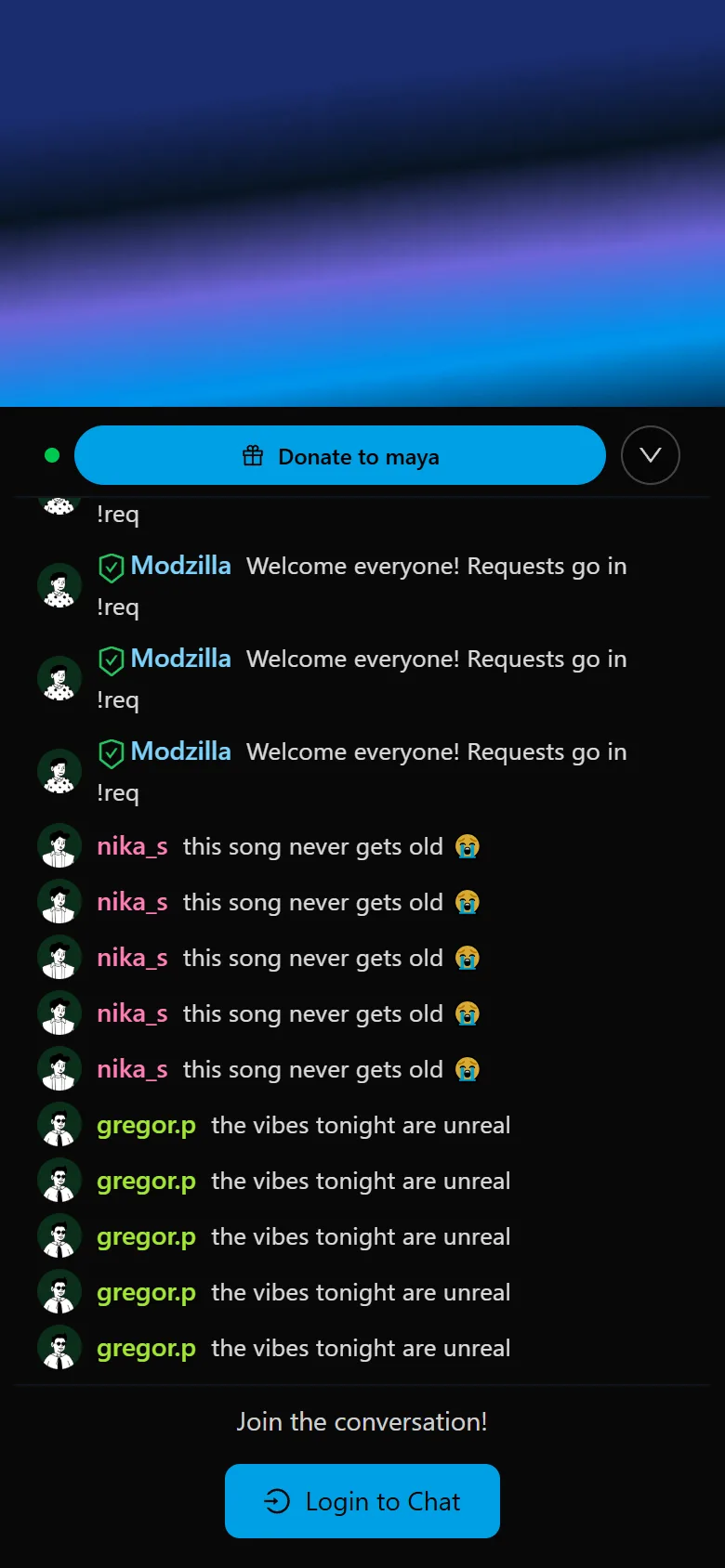
A few seconds of latency, adaptive quality, an ambient glow sampled from your video, and chat that lives beside the player instead of behind an ad. Follow, tip and clip are one tap away.
Clips
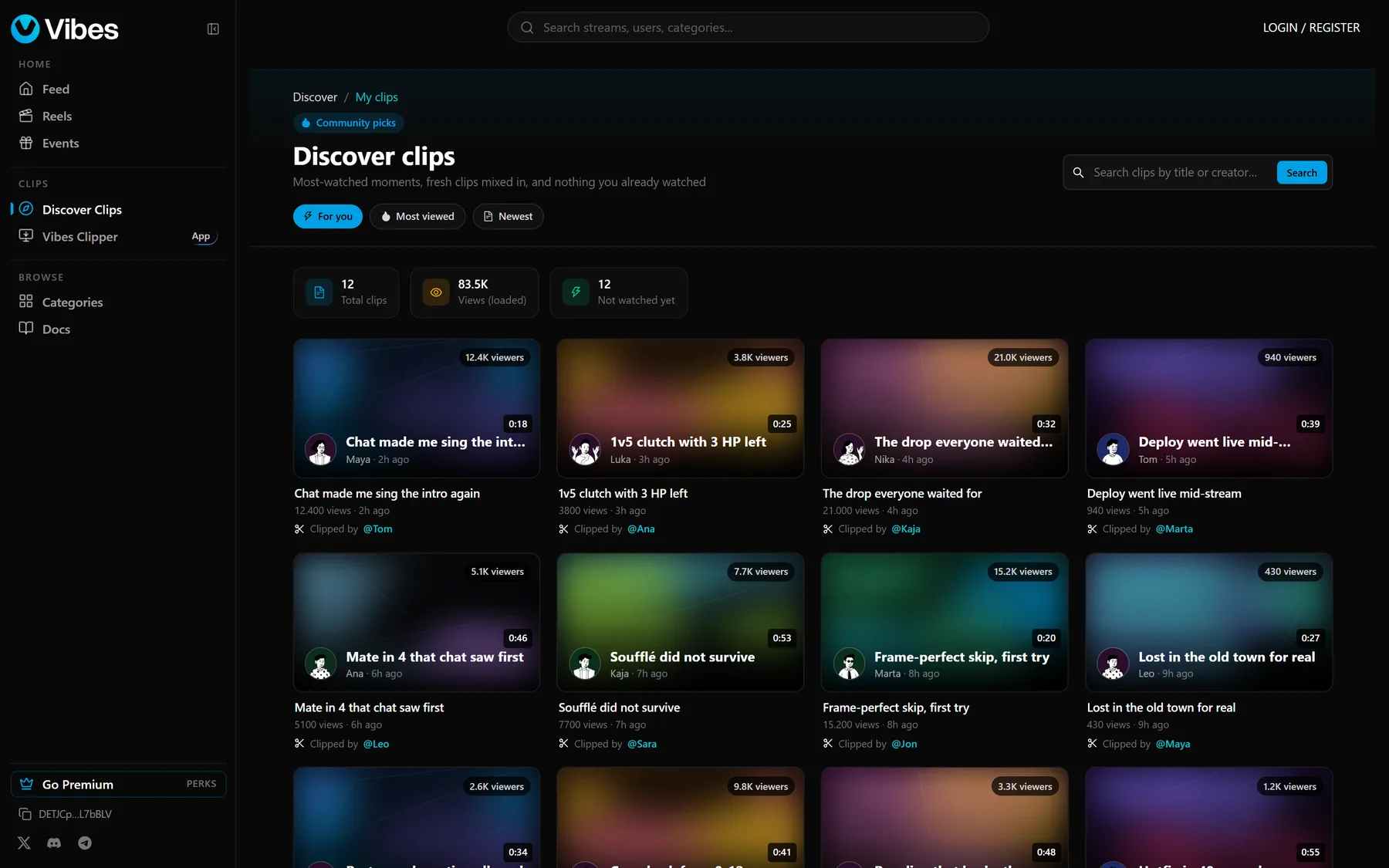
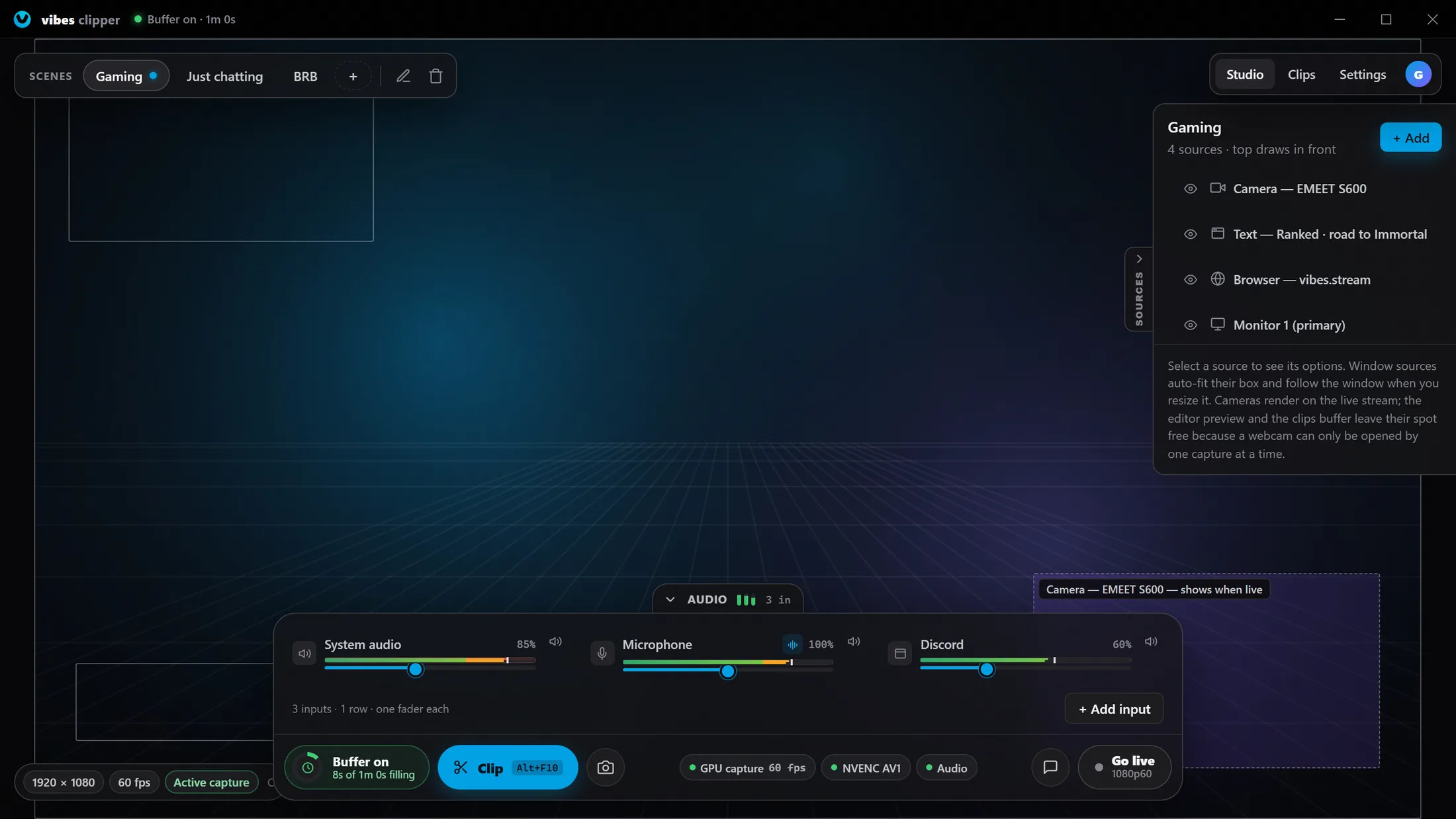
Every viewer can clip a stream in the browser. Vibes Clipper, the free Windows app, keeps a rolling replay buffer of your screen so one hotkey saves what just happened and uploads it to your profile. Works even when you are not live.
Grow between streams
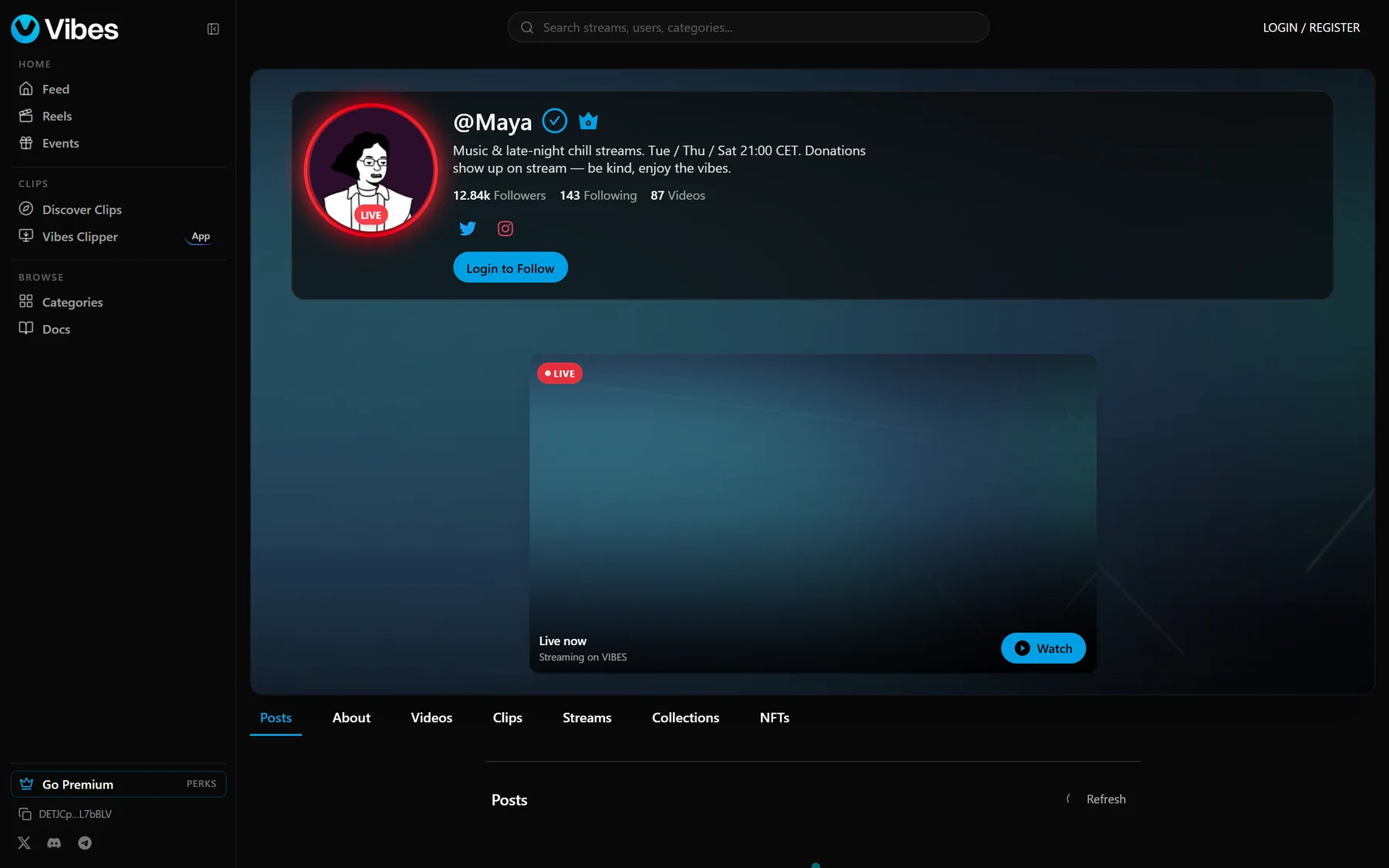
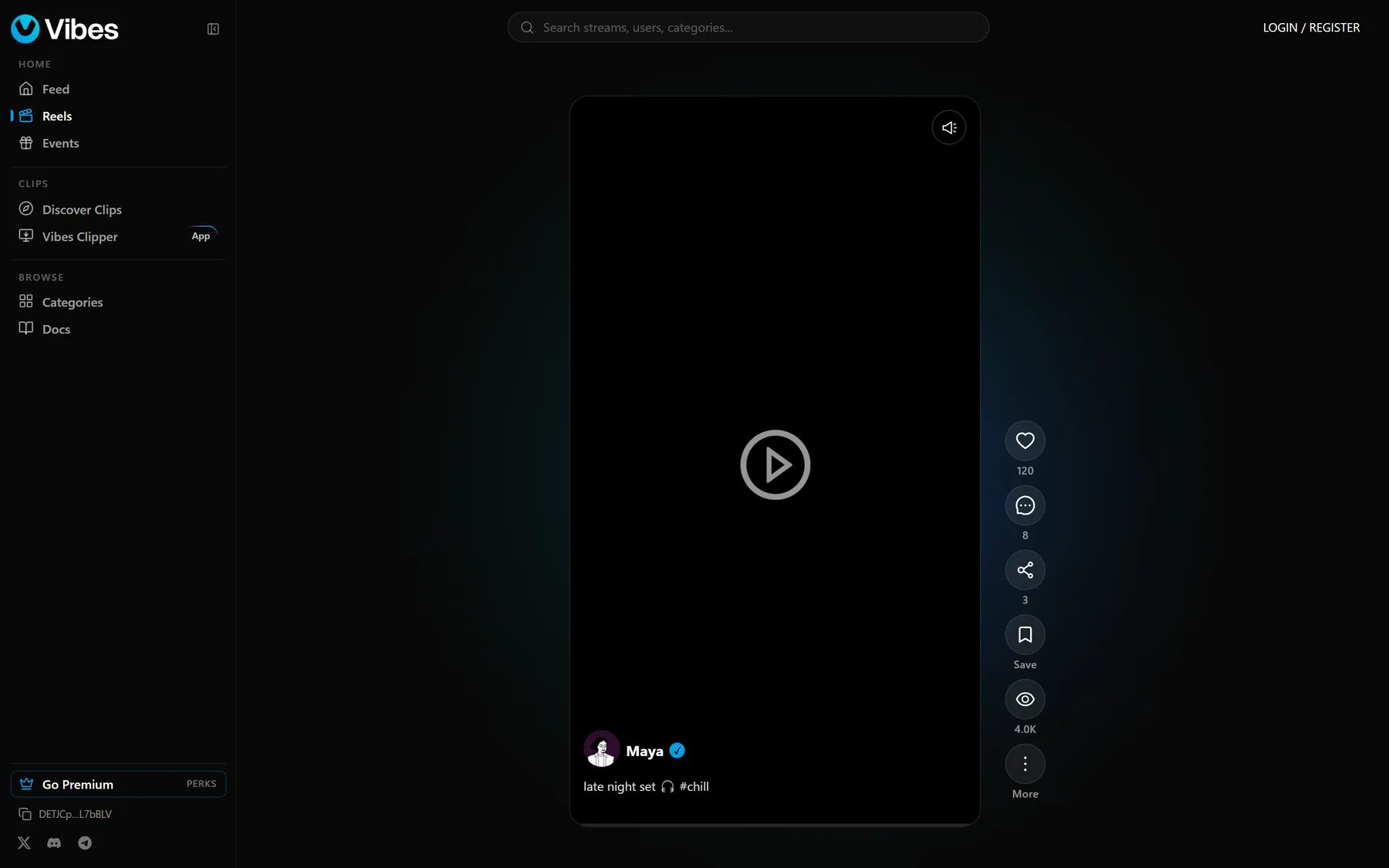
Short vertical video, photo and text posts and a creator profile with your live status, featured clip and schedule. Your audience has a reason to open VIBES on a Tuesday when you are not live.
Community tools
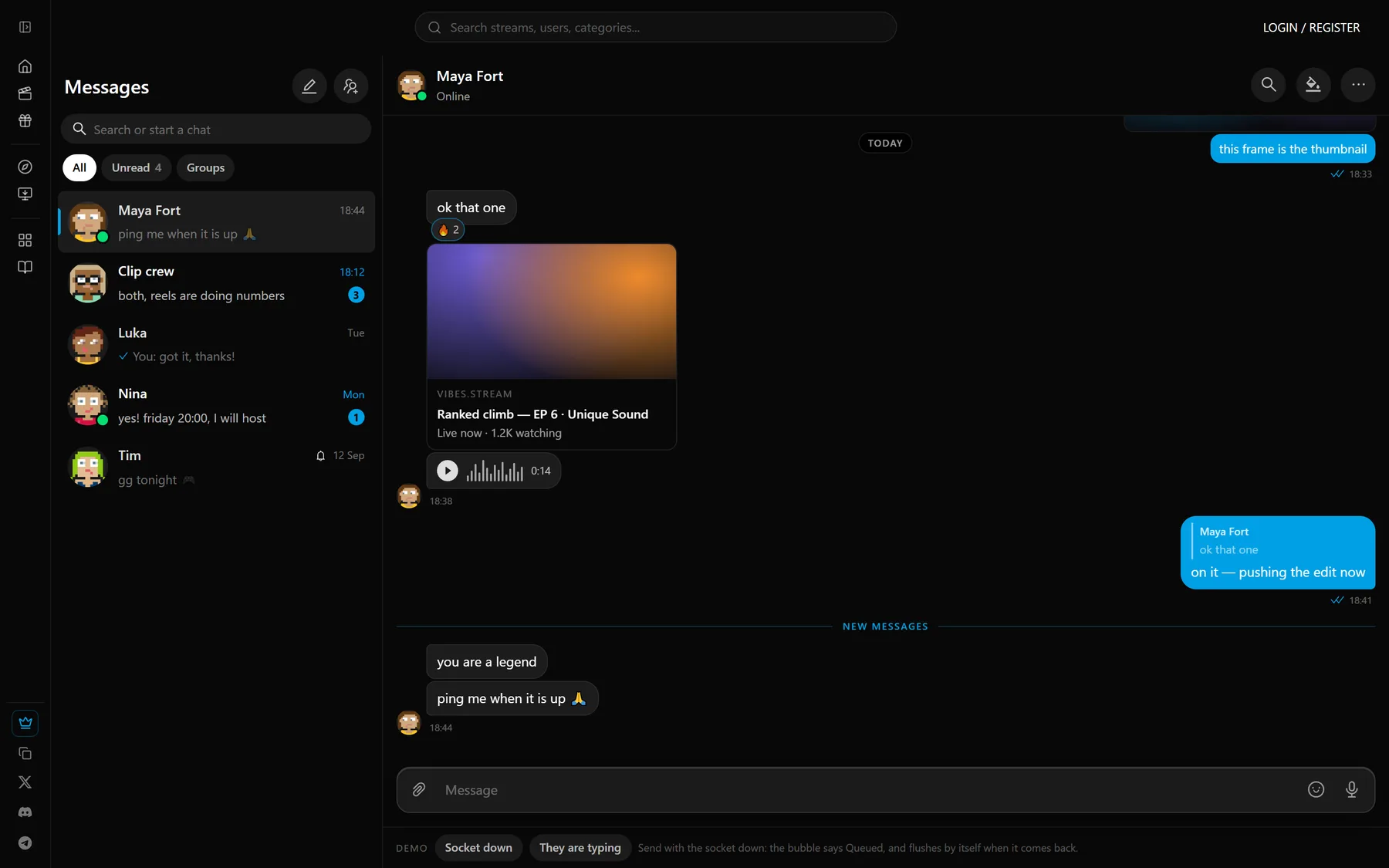
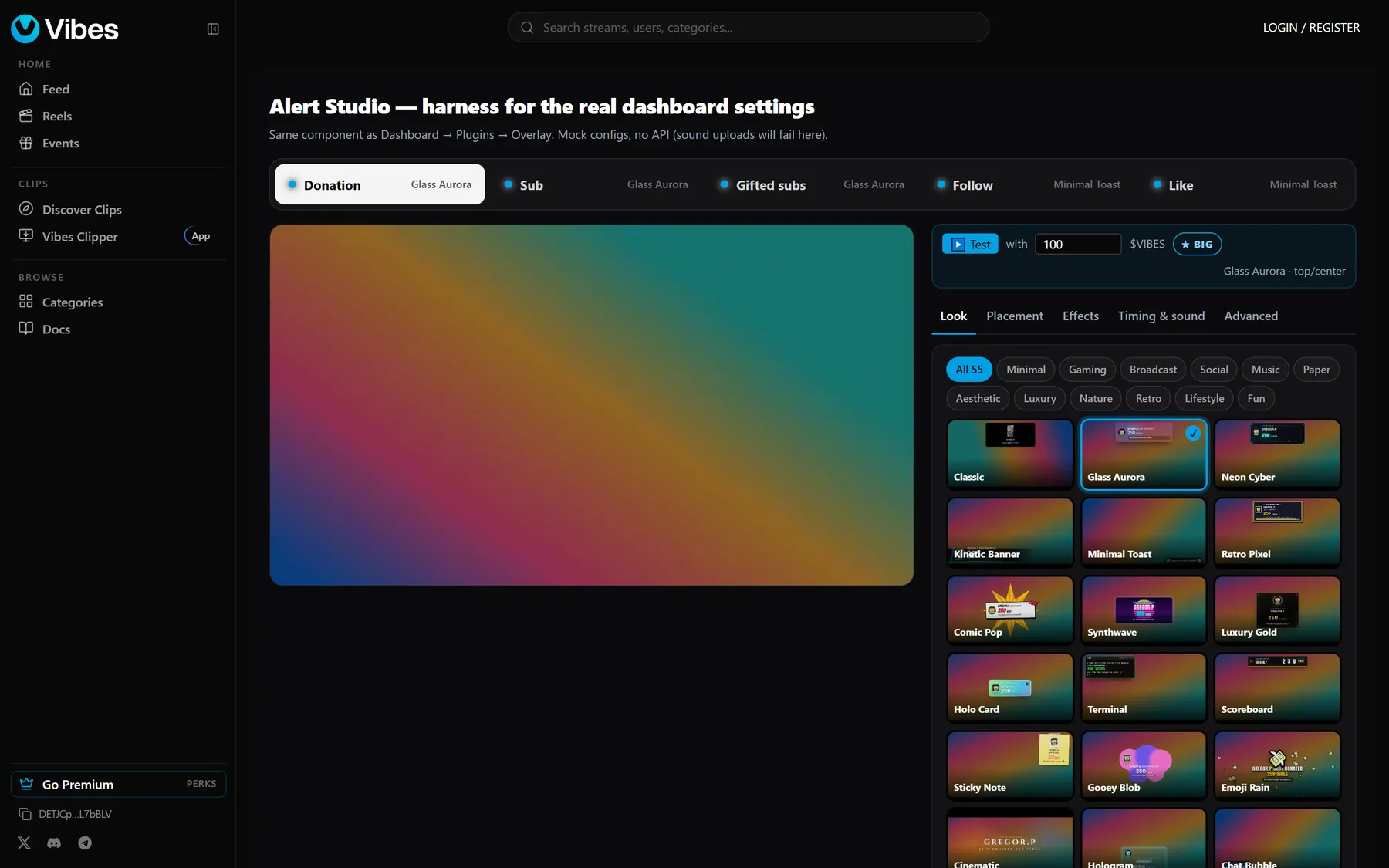
Talk to your mods and supporters without leaving the platform, and set up donation, follow and sub alerts for OBS in Alert Studio, with dozens of looks and effects and no third-party overlay service.
On your phone
The full platform works on a phone browser. The VIBES app for Android and iOS adds push notifications when someone you follow goes live, background uploads and a go-live studio; it is in testing and not listed in the app stores yet.
How it works
Three steps. Most creators are live within ten minutes of signing up.
An email, thirty seconds. No card, no application, no follower minimum to unlock features.
Paste your stream key into OBS, Streamlabs or any RTMP encoder. Add Vibes Clipper on Windows for one-hotkey replay clips.
Your viewers level up while they watch, tips show up on stream, and clips and reels keep bringing people back between streams.
FAQ
Yes. Creating an account, watching and streaming are free. Premium is an optional membership for extra profile perks and more replay storage (100 GB on Premium, 250 GB on Premium+); it is never required to go live or to earn.
No. You sign up with an email, and watching, chatting, streaming, clipping and posting never involve a wallet. Money features (tips, channel subscriptions and the optional Premium membership) are currently paid in SOL from a wallet.
From their viewers: tips during a stream and channel subscriptions. A small number of founding streamers are also paid directly by VIBES, €30 a month plus a bonus for new viewers who stay.
Viewers collect XP for watching, chatting and clipping. XP builds Fan Rank on the channels they support, with ranks, quests, streaks and badges the whole chat can see.
Yes. Multistream is built in: one encoder feed goes to VIBES and is mirrored to Twitch, Kick, YouTube, X and TikTok from our side, with no extra upload bandwidth or GPU load on your PC.
Anything that speaks RTMP: OBS Studio, Streamlabs, XSplit, mobile encoders. Vibes Clipper, our free Windows app, adds a rolling replay buffer so one hotkey saves the moment that just happened.
Bring your OBS scenes, your community and your schedule. Leave the ads and the 50/50 split behind.